Guide
When you are ready to move cards on, a dedicated For Sale or Trade Away list keeps your offers clear and trustworthy. Here is how to set one up.
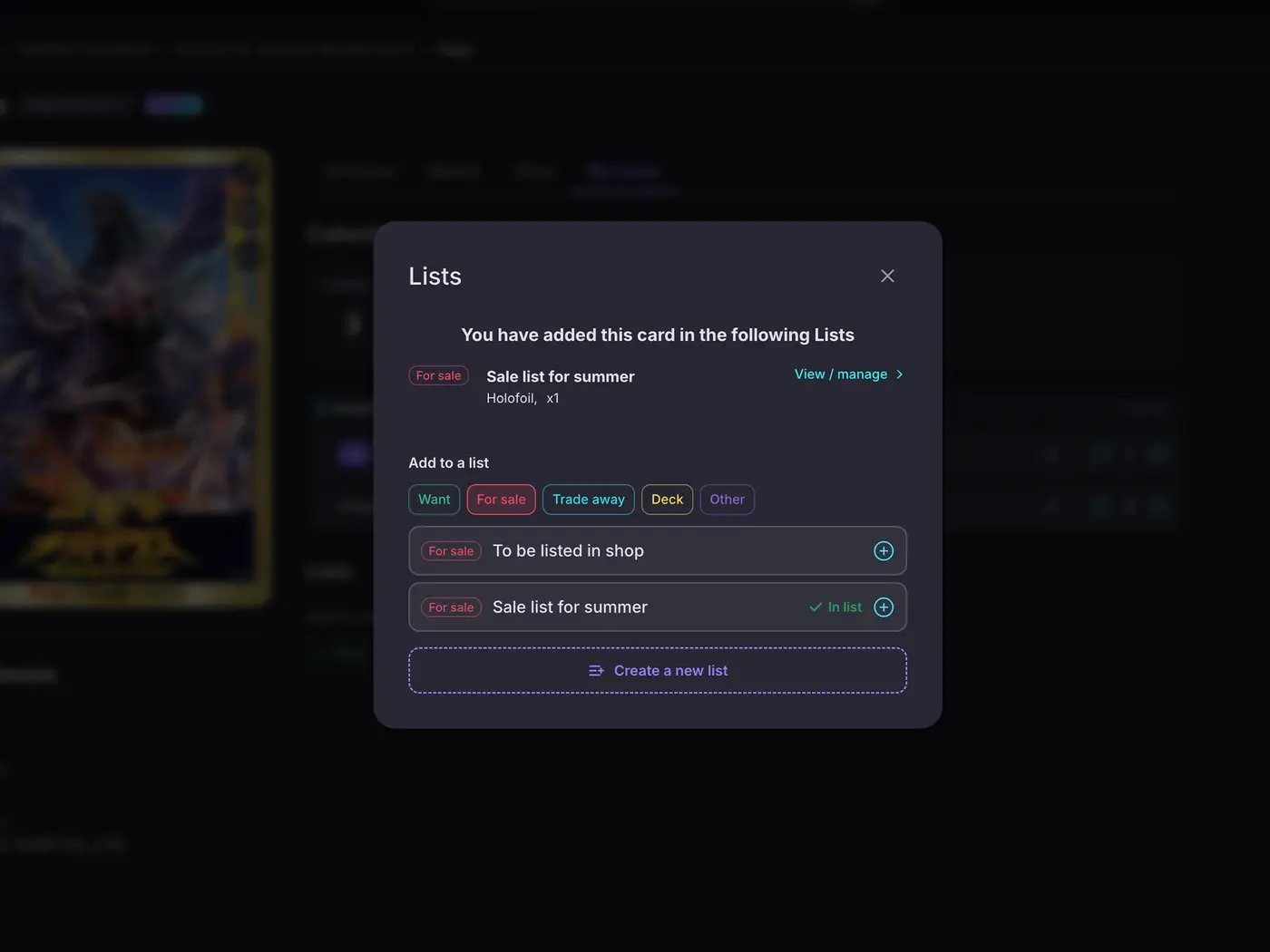
Both are typed lists with their own identity. Use For Sale for cards you want to sell and Trade Away for cards you will swap. Keeping them separate from your want list and your collection means anyone you share with knows exactly what each list is for.
For Sale and Trade Away lists only accept cards from your collection, so a buyer or trader can trust that everything on the list is really available. It keeps your offers honest and saves back-and-forth.
With Premium, your For Sale and Trade Away lists carry a running Est. Value, so you can price and weigh offers with the current market in front of you rather than guessing. When someone makes an offer, you can see at a glance whether it is fair, and which cards are worth holding out on. See Premium.
Publish the list and send the link. Others can browse your for-sale or trade cards but cannot edit them, so you can post it anywhere and keep control of what is listed. Add a description and notes to the list, your prices, conditions, or how you like to deal, and buyers see it right on the shared page. For a proper storefront, put the list on your collector profile alongside your shop and marketplace links, so buyers can see what you have and go straight to where you sell.
Start your collection, free
No account needed to browse. Create one to track and value your cards.